Enquiry and project context
Record the customer, project type, location, intended budget, responsible person and next date. Confirm required details before treating an enquiry as ready to quote.
For a renovation contractor or interior design team, quoting is rarely one message and one decision. Property details, site visits, scope changes and follow-up dates need context. OPSVORY’s renovation CRM demo shows a practical starting point for that customer journey.
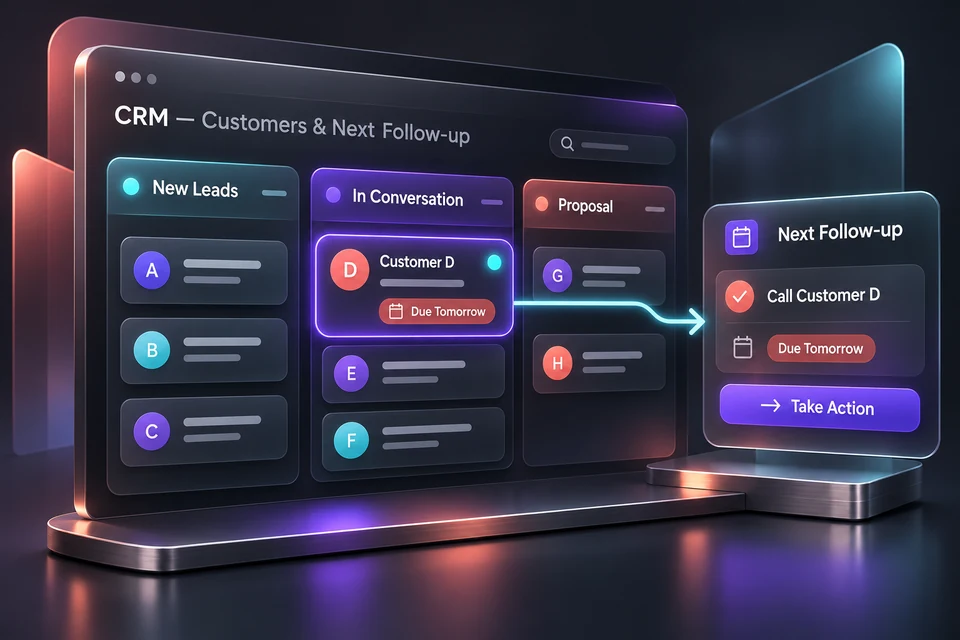
A property enquiry arrives through social media. Photos are in chat, dimensions are in a note and two versions of the quotation have similar filenames. The next sales discussion starts with reconstructing the project. A clear record should connect these steps.
A renovation contractor or interior design studio that needs enquiry, quotation and delivery records in one place. The interactive demo includes 14 workspace areas, with editable site visits, tasks, variation orders, costs, payment records, files and handover items. A shared production deployment still requires an agreed technical and operational scope.
Record the customer, project type, location, intended budget, responsible person and next date. Confirm required details before treating an enquiry as ready to quote.
Schedule a site visit with a date, time, owner and location; record measurements and access constraints. Attach small sample drawings, approvals or photos with a revision label in the browser-local file register.
In the demo, edit line-item quantities and rates, apply a discount and manually set tax, then save a numbered version. Tax settings are illustrative and are not tax advice or automatic compliance.
Save a note and next follow-up date. The demo supports a local follow-up desk; it does not send customer messages or notify other staff.
Walk through an anonymised project from first enquiry to aftercare. Agree on stages, quotation format, approvals, user access, revision rules and reporting. The demo provides local records and file backups; shared cloud data, authentication, permissions, production storage, integrations and support require an agreed implementation scope.
Open the demo and follow a fictional renovation from enquiry to handover: save a quotation revision, schedule a survey, complete a task, record a scope change and update a milestone receipt. Project reports recalculate from recorded amounts. Export or restore the complete local backup, including sample attachments. Use fictional information in this public demonstration.
No. It is an OPSVORY self-built demonstration using fictional records. There are no claimed client results, sales improvements or commercial deployments attached to it.
Yes. Line items, quantities, rates, discounts and a manually entered tax rate can be edited. Numbered saves retain versions in the local demo data, and the browser print dialog supports PDF output.
Not in the current demo. Data stays in the current browser. A shared production system requires a database, sign-in, permissions, backups and an agreed deployment scope.
No. Real messaging, e-Invoice, accounting and payment integrations are separate requirements to evaluate for API access, permissions, cost and implementation responsibilities.
Share your industry, location, current tools and the task you want to improve. We will use that context to discuss a suitable first version.
Self-built demos use fictional records. Production security, shared data and integrations require an agreed project scope.